Introduction
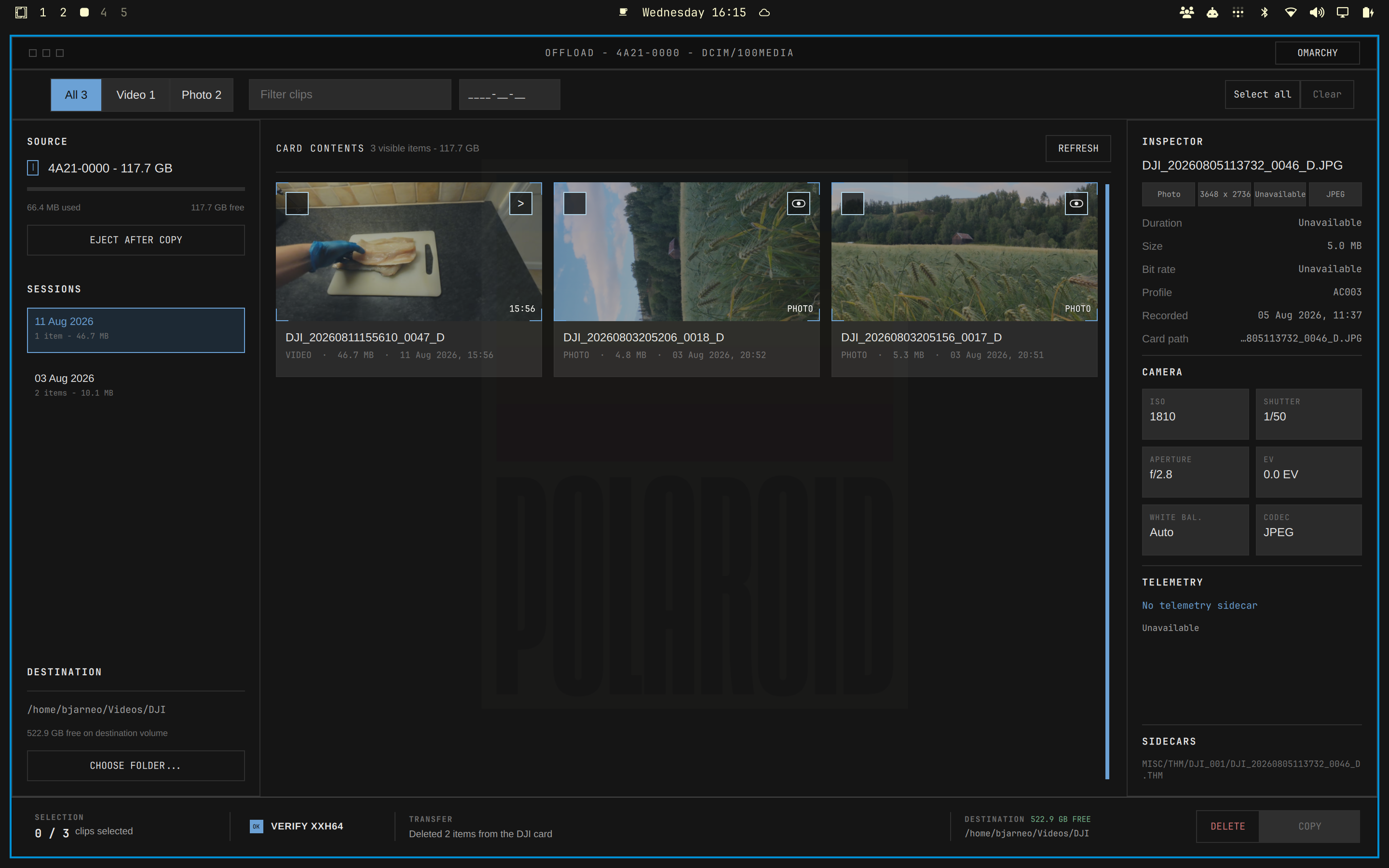
Omadji is a Linux desktop app that reviews and copies DJI camera media. It helps you check a card, select media, copy files, and verify the result.
What You Can Do
- Review MP4, JPEG, and DNG media on a mounted DJI card.
- Preview video from a local LRF proxy when it is available.
- Inspect video and photo metadata.
- Copy selected files and verify each copy with xxHash64.
- Delete selected originals only after confirmation.
- Use Light, Dark, or Omarchy color modes.
Before You Start
You need a Linux desktop, a mounted DJI storage card, and enough free space at the copy destination. Install ffprobe for video inspection and xxhsum for copy verification.